Google Calendar introduce il supporto a CalDAV: ora è possibile effettuare la sincronizzazione con iCal senza utilizzare software di terze parti
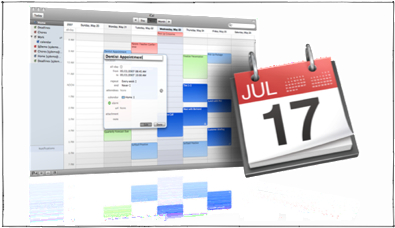 Sulle pagine di
Help di Google Calendar
è apparsa una nuova funzionalità: il supporto a CalDav. Cos’è? Cito
Wikipedia
:
Sulle pagine di
Help di Google Calendar
è apparsa una nuova funzionalità: il supporto a CalDav. Cos’è? Cito
Wikipedia
:
CalDAV è un protocollo che permette un accesso ai calendari mediante il WebDAV. Gli elementi dei calendari sono risorse memorizzate nel formato iCalendar ed i calendari che contengono gli eventi sono delle normali collezioni del protocollo WebDAV.
In pratica ora è possibile sincronizzare in maniera bidirezionale gli eventi tra iCal (purtroppo è supportato solo la versione 3.0, fornita con MacOsX 10.5 Leopard) e Google Calendar , senza utilizzare software aggiuntivi.
La configurazione è semplice, la cito nuda e cruda dalla pagina di Help :
- Open the iCal application by going to Finder > Applications > iCal
- From the iCal menu bar, select Preferences.
- Under the Accounts tab, click the “+” sign to add an account. (Do not select any checkboxes in the Accounts tab.)
- In the pop-up screen, enter the following information: Description : This will be the title for your CalDAV calendar list Username : This is the complete email address you use with Google Calendar (including the part after the @ sign). If you’re using Google Apps, be sure to enter your Google Apps email address. Password : This is the password you use to sign in to Google Calendar
- In the Server Options drop-down, enter [ [ your Google Calendar email address ] /user ] as your Account URL. For example, if the email address used to access your Google Calendar is calendarfriend@gmail.com, the Account URL would be calendarfriend@gmail.com/user
- Click Add, and wait five to seven minutes while the initial sync takes place. (All subsequent syncs are instantaneous.)
Pochi semplicissimi passi e possiamo dire addio a seppur ottimi software come Spanning Sync o Busy Sync (e anche al tanto ‘problematico’ MobileMe, almeno per le funzionalità di condivisione dei calendari).