Building a CI/CD pipeline for Sigma rules
Nobody ships application code directly to production by typing it into the server. The idea is absurd. Yet the equivalent happens every day in detection engineering: an analyst opens the SIEM console, edits a rule, saves it, and the change is live. No diff, no review, no test, no rollback path. The rule is now in production and nobody has a record of what it looked like before.
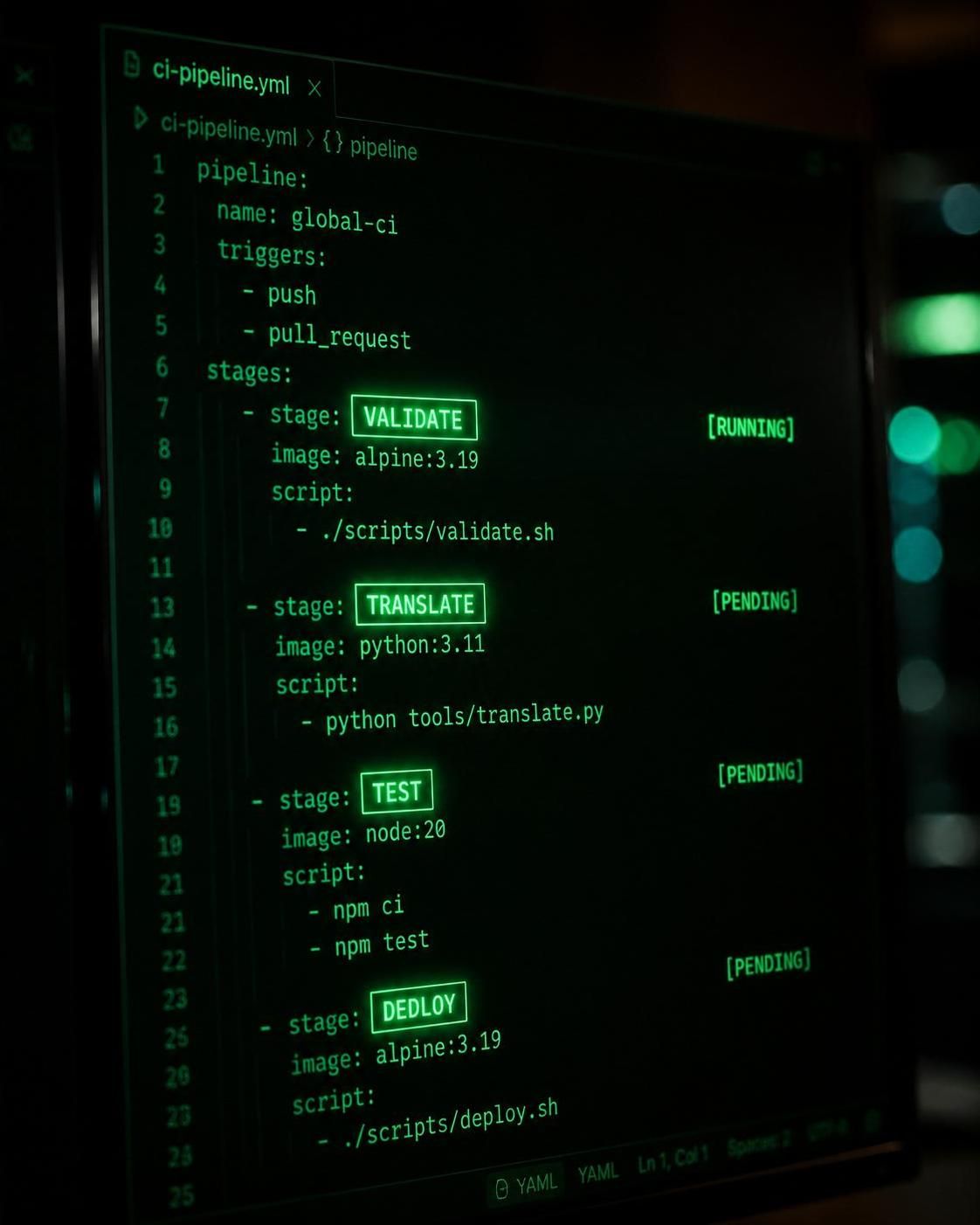
If you have been following the Detection as Code methodology described in a previous post, you already know why this is a problem. This article is about the specific plumbing that fixes it: a CI/CD pipeline built around Sigma, the vendor-neutral detection rule format, with automated validation, test fixtures, and controlled deployment to your SIEM.
In brief
- A Sigma CI/CD pipeline has four stages: validate, translate, test, deploy. Skipping any of them defeats the purpose.
sigma-clihandles validation and conversion in CI without external services or paid tooling.- Every rule needs a positive test fixture (event it must match) and a negative one (event it must not match). Rules without both should fail CI.
- New rules should enter shadow mode for at least seven days before producing analyst alerts.
- CERT-EU’s
droidis the most complete open-source tool for the full pipeline, from Atomic Red Team simulation to multi-SIEM deployment.
Repository structure before anything else
Before writing a single workflow file, get the repository structure right. The layout determines how maintainable the pipeline is at 200 rules. A structure that works in practice looks like this:
detection-rules/
├── sigma/
│ ├── windows/
│ ├── linux/
│ ├── cloud/
│ └── network/
├── tests/
│ └── fixtures/
│ ├── windows/
│ └── cloud/
├── platform-translations/
│ ├── sentinel-kql/
│ ├── splunk-spl/
│ └── elastic-lucene/
├── scripts/
│ ├── validate_metadata.py
│ └── coverage_report.py
└── .github/workflows/
├── ci.yml
└── deploy.yml
The sigma/ directory is the only source-controlled detection content. Everything under platform-translations/ is a build artifact, generated by CI, never edited by hand. If a Sentinel KQL query needs changing, you change the Sigma source and let the pipeline regenerate the translation. Editing the translated file directly is the same failure mode as editing production code on the server.
The tests/fixtures/ directory holds synthetic log events, one subdirectory per platform, named after the technique or rule they are testing. The convention matters: a fixture named t1059_001_positive.json next to t1059_001_negative.json is self-documenting in a way that a flat list of numbered files is not.
Rule validation
The first CI job runs on every pull request and every push to any branch. It does one thing: confirm that every .yml file in sigma/ is a valid Sigma rule.
sigma-cli is the primary tool here. It wraps the pySigma library and exposes a command-line interface for validation, listing, and conversion:
pip install sigma-cli
sigma check ./sigma/
sigma check validates syntax, required fields, and logical consistency. A rule with a malformed detection condition, a missing logsource block, or an invalid condition syntax fails with a non-zero exit code, which causes the CI job to fail and blocks the merge.
For JSON Schema validation, SigmaHQ’s sigma-rules-validator GitHub Action was originally developed and donated to the community by the Grafana Labs SecOps team. It validates rules against the official JSON Schema maintained in the Sigma specification repository, and accepts a paths input to target specific subdirectories:
steps:
  - uses: actions/checkout@v4
  - uses: SigmaHQ/sigma-rules-validator@v1
    with:
      paths: |-
        ./sigma/windows
        ./sigma/cloud
You can also pass a custom schema file or a schema URL, which is useful when your organization maintains a stricter internal variant of the Sigma specification.
A second validation job should enforce metadata completeness. Rules without MITRE ATT&CK technique IDs, an author field, a status, and a date are operationally useless at scale. A thirty-line Python script in CI that reads each rule file and exits non-zero if any of those keys are absent costs nothing to maintain and prevents the repository from accumulating orphaned detections:
import sys, pathlib, yaml

required = {"title", "status", "date", "author", "logsource", "detection"}

failed = []
for path in pathlib.Path("sigma").rglob("*.yml"):
    with open(path) as f:
        rule = yaml.safe_load(f)
    missing = required - rule.keys()
    if missing:
        failed.append(f"{path}: missing {missing}")
    if not rule.get("tags"):
        failed.append(f"{path}: no ATT&CK tags")

if failed:
    for msg in failed: print(msg)
    sys.exit(1)
Query translation
After validation, the pipeline generates platform-specific queries from the Sigma sources. sigma convert handles this with backends installed as pySigma plugins:
# Install backends for your targets
pip install pySigma-backend-splunk pySigma-backend-microsoft365defender

# Generate Splunk SPL
sigma convert -t splunk -p splunk_windows ./sigma/windows/ \
  -o ./platform-translations/splunk-spl/

# Generate Sentinel KQL
sigma convert -t microsoft365defender \
  -p microsoft365defender ./sigma/windows/ \
  -o ./platform-translations/sentinel-kql/
The -p flag applies a pipeline, which handles field name mapping between Sigma’s generic field names and the target platform’s schema. This is where most portability failures originate: rules that use CommandLine in the Sigma detection block translate cleanly to Sentinel’s ProcessCommandLine, but only if the correct pipeline is applied. A pipeline mismatch produces a syntactically valid query that matches nothing, and that failure is silent unless you have tests in the next stage.
Grafana Labs built a similar approach for teams using Grafana Loki via the pySigma-backend-loki project, which compiles Sigma rules to LogQL queries. The pattern is identical regardless of backend: the CI job installs the plugin, runs sigma convert, and checks the output for errors.
The translated outputs are committed to the repository only in the deploy workflow, not in CI. During CI they are written to a temporary directory and inspected. You do not want half-translated rule sets committed on feature branches.
Automated testing
Validation confirms the rule is syntactically correct. Translation confirms it compiles to the target language. Neither of those things confirms it actually detects what it is supposed to detect.
The minimum viable test is two fixtures per rule: one event the rule must match (true positive) and one event it must not match (false negative catch). Fixtures are stored as JSON files representing log events in the format your SIEM ingests:
{
  "EventID": 4688,
  "Image": "C:\\Windows\\System32\\WindowsPowerShell\\v1.0\\powershell.exe",
  "CommandLine": "powershell.exe -EncodedCommand SQBuAHYAbwBrAGUALQBXAGUAYgBSAGUAcQB1AGUAcwB0AA==",
  "User": "DOMAIN\\attacker"
}
A pytest runner loads the compiled SIEM query, executes it against both fixtures, and asserts that the positive matches and the negative does not. This is the test-driven detection engineering pattern from BIPI, applied with a lightweight query evaluation library.
For teams that want higher-fidelity testing, droid is worth examining. Built and open-sourced by CERT-EU under the EUPL license, droid is a pySigma wrapper that integrates Atomic Red Team directly into the pipeline. Instead of synthetic JSON fixtures, it runs actual ATT&CK technique simulations in a sandbox, captures the resulting telemetry, and then verifies that the corresponding Sigma rule fires on that telemetry. The workflow is driven by a single TOML configuration file that maps rules to their ATT&CK test IDs and target platforms. For multi-SIEM environments, this approach eliminates the category of “the fixture was wrong, not the rule” failures that plague manually crafted test data.
A CI job that enforces test coverage at the pull request level:
name: Detection CI
on: [pull_request]

jobs:
  validate:
    runs-on: ubuntu-latest
    steps:
      - uses: actions/checkout@v4
      - uses: SigmaHQ/sigma-rules-validator@v1
        with:
          paths: ./sigma

  metadata-check:
    runs-on: ubuntu-latest
    steps:
      - uses: actions/checkout@v4
      - run: pip install pyyaml && python scripts/validate_metadata.py

  translate:
    needs: [validate, metadata-check]
    runs-on: ubuntu-latest
    steps:
      - uses: actions/checkout@v4
      - run: |
          pip install sigma-cli pySigma-backend-microsoft365defender
          sigma convert -t microsoft365defender -p microsoft365defender \
            ./sigma/windows/ -o /tmp/sentinel-kql/

  test:
    needs: translate
    runs-on: ubuntu-latest
    steps:
      - uses: actions/checkout@v4
      - run: pip install pytest pyyaml
      - run: pytest tests/ -v
Merge to main is blocked until all four jobs pass. The pipeline is the gatekeeper, not the analyst who happens to review the pull request.
Deployment and shadow mode
The deploy workflow runs only on merge to main, not on pull requests. The critical detail is shadow mode: new rules should never go directly to production alerting.
Shadow mode means the rule is active in the SIEM, matches events, and writes those matches to a dedicated index, but it does not create analyst alerts. After a defined observation window (typically seven days), a human reviews the match volume and event samples, then makes an explicit decision to promote, tune, or kill the rule.
This discipline is the difference between detection automation and accelerating failure: the same pipeline that deploys a well-tested rule deploys a poorly-tested one just as fast. Shadow mode is the structural safety rail.
Different SIEM platforms handle shadow mode differently:
- Microsoft Sentinel: deploy rules with
enabled: falseand suppress alerts via automation rules on a staging watchlist - Splunk: deploy the search without attaching it to a notables policy
- Elastic: new rules start in
enabled: falsestate; match results land in a dedicated index for review
The mechanism varies. The pattern is the same.
Pre-commit hooks for local validation
The pipeline should not be the first place a rule author learns their YAML is malformed. Pre-commit hooks run locally before a commit is created, catching the cheapest errors at the cheapest moment:
# .pre-commit-config.yaml
repos:
  - repo: https://github.com/adrienverge/yamllint
    rev: v1.35.0
    hooks:
      - id: yamllint
        args: [--strict]
  - repo: local
    hooks:
      - id: sigma-lint
        name: Sigma syntax check
        entry: sigma check
        language: python
        files: \.yml$
        pass_filenames: false
        args: [./sigma/]
      - id: metadata-check
        name: Sigma metadata check
        entry: python scripts/validate_metadata.py
        language: python
        files: \.yml$
Install with pip install pre-commit && pre-commit install. The YAML linter catches indentation errors and trailing whitespace. The sigma check hook catches detection logic errors. The metadata check catches missing ATT&CK tags. None of these should require a CI round-trip to discover.
ATT&CK coverage as a pipeline output
Once rules carry MITRE ATT&CK technique IDs in their tags field (in the format attack.t1059.001), a script in the pipeline can generate an ATT&CK Navigator layer file on every merge to main:
import pathlib, yaml, json

techniques = {}
for path in pathlib.Path("sigma").rglob("*.yml"):
    rule = yaml.safe_load(open(path))
    for tag in rule.get("tags", []):
        if tag.startswith("attack.t"):
            tid = tag.replace("attack.", "").upper()
            techniques[tid] = techniques.get(tid, 0) + 1

layer = {
    "name": "Detection Coverage",
    "versions": {"attack": "14", "navigator": "4.9", "layer": "4.5"},
    "domain": "enterprise-attack",
    "techniques": [
        {"techniqueID": tid, "score": count}
        for tid, count in techniques.items()
    ]
}
json.dump(layer, open("coverage-layer.json", "w"), indent=2)
The output is a JSON file loadable directly into ATT&CK Navigator. It updates automatically on every deploy, with no spreadsheet to maintain. The pipeline produces the coverage artifact as a side effect of doing the work, which is the only kind of documentation that stays current.
This is the same principle I described in my post on 24/7 security monitoring for small teams: build a system where discipline is enforced structurally, not through willpower or process documents. A CI pipeline that blocks merges without tests, enforces metadata, and generates coverage reports is a system with structural discipline. A SOC that relies on analysts to remember to update the coverage spreadsheet is one that runs on hope.
FAQ
What tools do I need to build a CI/CD pipeline for Sigma rules?
The minimum stack is sigma-cli for validation and conversion, a Git host with CI support such as GitHub Actions or GitLab CI, and test fixtures in JSON or EVTX format. For advanced testing, droid by CERT-EU integrates Atomic Red Team to simulate real attack telemetry against your rules. Nothing in this pipeline requires paid tooling.
How do I prevent Sigma rules from breaking portability? Avoid vendor-specific field names in the detection block. Use a field normalization layer (ECS, OCSF, or a custom mapping) and validate every translation target in CI. A rule that compiles but silently matches nothing because the target SIEM uses a different field name is worse than a rule that fails loudly in the pipeline.
What is shadow mode and why does it matter? Shadow mode means a rule runs in your SIEM and logs its matches but never creates an analyst alert. A new rule should stay in shadow mode for at least seven days before promotion to production, giving you time to measure match volume and tune for false positives before anyone gets paged. It is the safety rail between fast deployment and fast failure.